


IBH Link S7++ Ethernet to PROFIBUS Gateway
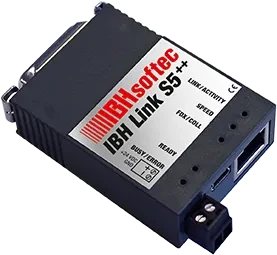
Connecting a Siemens PLC to a PC over Ethernet normally requires a CP communication processor. The IBH Link S7++ is a more flexible, cost effective alternative: an Ethernet to PROFIBUS gateway for programming, drive configuration, PC to PLC communication, PLC to PLC communication and Field Device Tool (FDT) applications. It eliminates the need for a Siemens CP or for SIMATIC NET software on either the PC or the PLC side.
Connection and protocol
The IBH Link S7++ is a compact, robust Ethernet converter that connects through a switch or hub, or directly to a PC with a standard network card using a crossover cable. It uses standard TCP/IP, so remote maintenance through a standard router or a VPN connection is possible, as is a direct internet connection. Online functions are available over PROFIBUS DP at up to 12 Mbit/s, or over PPI/MPI.
Features
- PROFIBUS node and slave diagnostics through a web browser
- Reading the S7 diagnostic buffer through a web browser
- Master Class 2 for acyclic services (DPV1)
- Setting slave and I/O parameters via DPV1
- Data record routing
- Drive configuration
- Configuration and diagnosis of field devices via TCI
- Panel configuration
- CommDTM for FDT containers, available free
- GatewayDTM for DP/PA Link, available free
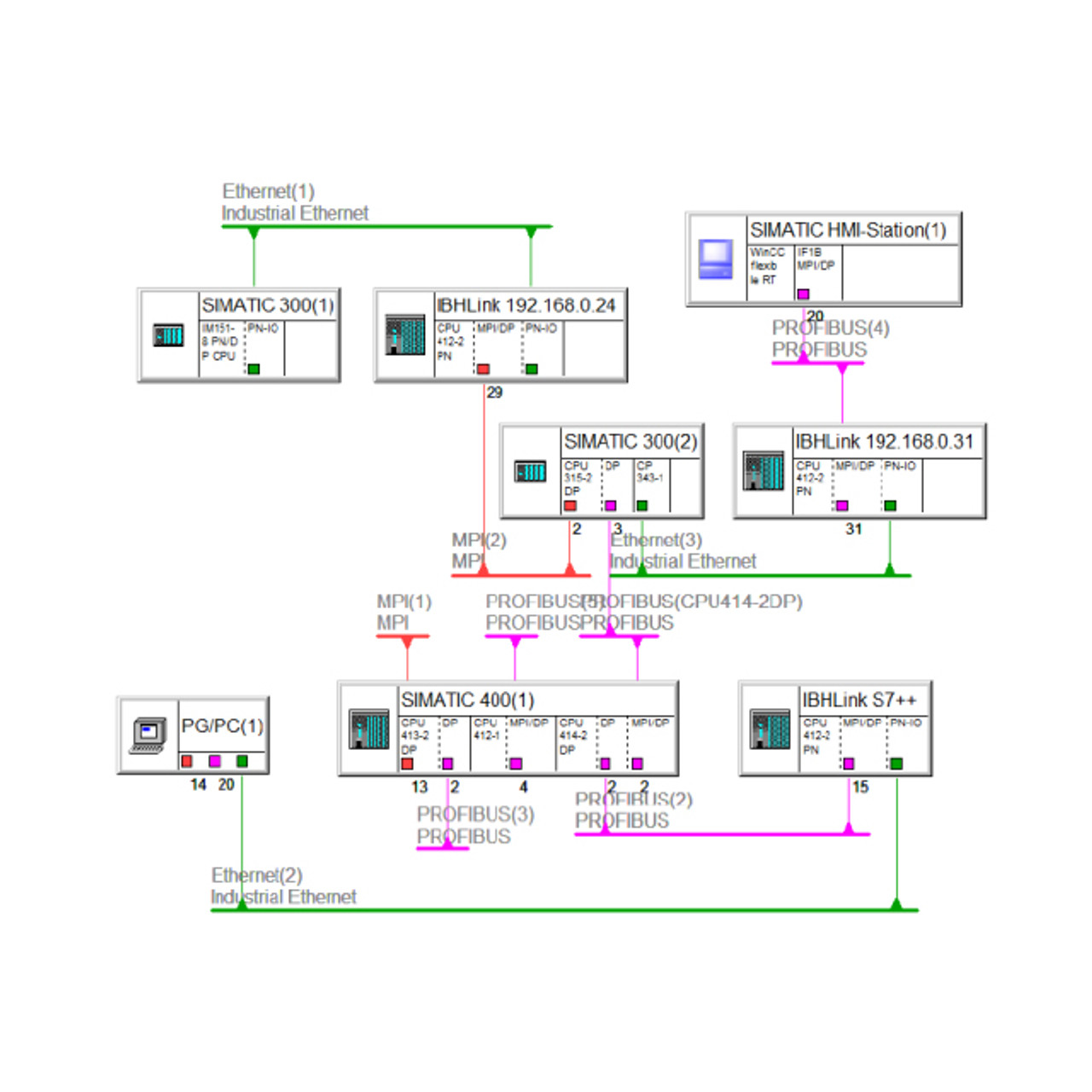
- Configuration through a web browser or through NetPro
- Integration in the TIA Portal
- Support for STARTER, S7-PCT, PDM and LifeList
- Windows 8 64 bit and Windows 10 64 bit support
- STEP 7 64 bit support
- S7 routing via RFC 1006
- Fetch/Write via RFC 1006
- PLC to PLC communication
- Process data access from other controllers, Windows and Linux
- Online to SIMATIC S5 via SINEC L2
- Time synchronization
- DHCP and IPv6 support
- Up to 16 parallel PC connections
- Up to 32 parallel MPI/DP connections
- Automatic bus profile detection
- PG socket
- RJ45 network (10/100) with auto-negotiation
- Diagnostic LEDs
- Power directly from the MPI/DP interface, or external 24 V supply
Drivers and software support
A controller can be programmed through the IBH Link S7++ over Ethernet, much like using a communication processor. All the necessary drivers are included for SIMATIC S7, SIMATIC MicroWin, IBHsoftec S7 SoftPLC, Siemens STEP 7, WinCC, ProTool and S7 for Windows®.
The IBH Link S7++ also works with the IBH OPC Server, which can connect your visualization to the PLC. The IBHNet driver provides direct variable access from standard programming languages such as Visual Basic and Delphi.
HMI applications and programming interface
Standard HMI applications can communicate with the IBH Link S7++ using ISO on TCP (RFC 1006). Alongside the programming functions, an application programming interface for HMI applications is included. Samples for Windows are supplied in Visual Basic, Visual C, Visual C++, VB.NET, Visual C#, Delphi, Java and Excel, and samples are included for Linux as well. Once IBHNet is installed on your PC, you will find the sample files in this folder on your local drive:
\IBH softec GmbH\IBH_Net\Samples
Setup
Configuration is straightforward and usually takes only a few minutes, done directly in STEP 7 or S7 for Windows®. Connect the converter to the corresponding socket on the PLC and to a hub, switch or directly to the PC, install the driver on the PC, then assign the IP address with the configuration program. Installation is complete at that point.
The IBH Link S7++ automatically detects whether it is connected to a 10 Mbit/s or 100 Mbit/s network. It draws power directly from the MPI/DP interface where available, and otherwise from the integrated 24 V plug.
Other ways to connect to an S7 PLC
The IBH Link S7++ is the right choice when you want the controller on your network. Two alternatives cover different situations:
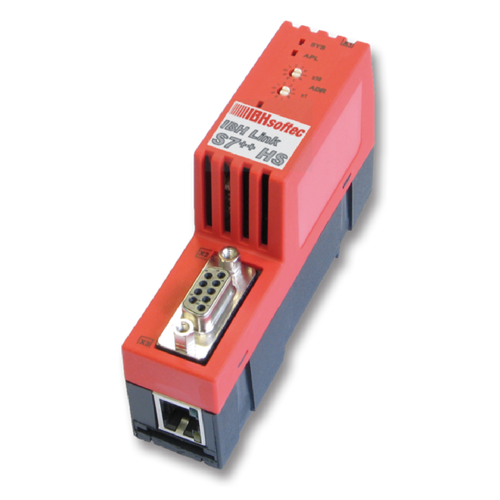
- IBH Link S7++ HS – the same capability in a DIN rail mount housing with an external 24 V supply, for permanent installation inside the cabinet rather than hanging off the programming port.
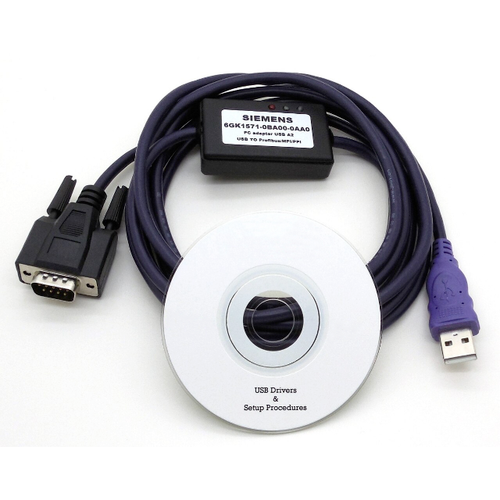
- USB-S7 Adapter MPI, DP, PPI – the simpler option if you only need to reach the controller from a laptop at the panel. Plugs into the MPI socket and connects over USB.
Programming software and OPC UA
To program and diagnose your controller, use S7 for Windows®, or S5/S7 for Windows® if you also support SIMATIC S5 equipment.
To bring PLC data into MES, ERP or SAP systems over OPC UA, the IBH Link UA module and the IBH OPC UA Server/Client software both use the IBH Link S7++ to reach controllers without an Ethernet port of their own.